
Best 7 Days to Die Servers 2026 - Blood Moon & Overhaul Mod Guide
Find the best 7 Days to Die servers in 2026. Blood Moon settings, PvE vs PvP, overhaul mods, land claims and wipes explained, ranked by real player votes.
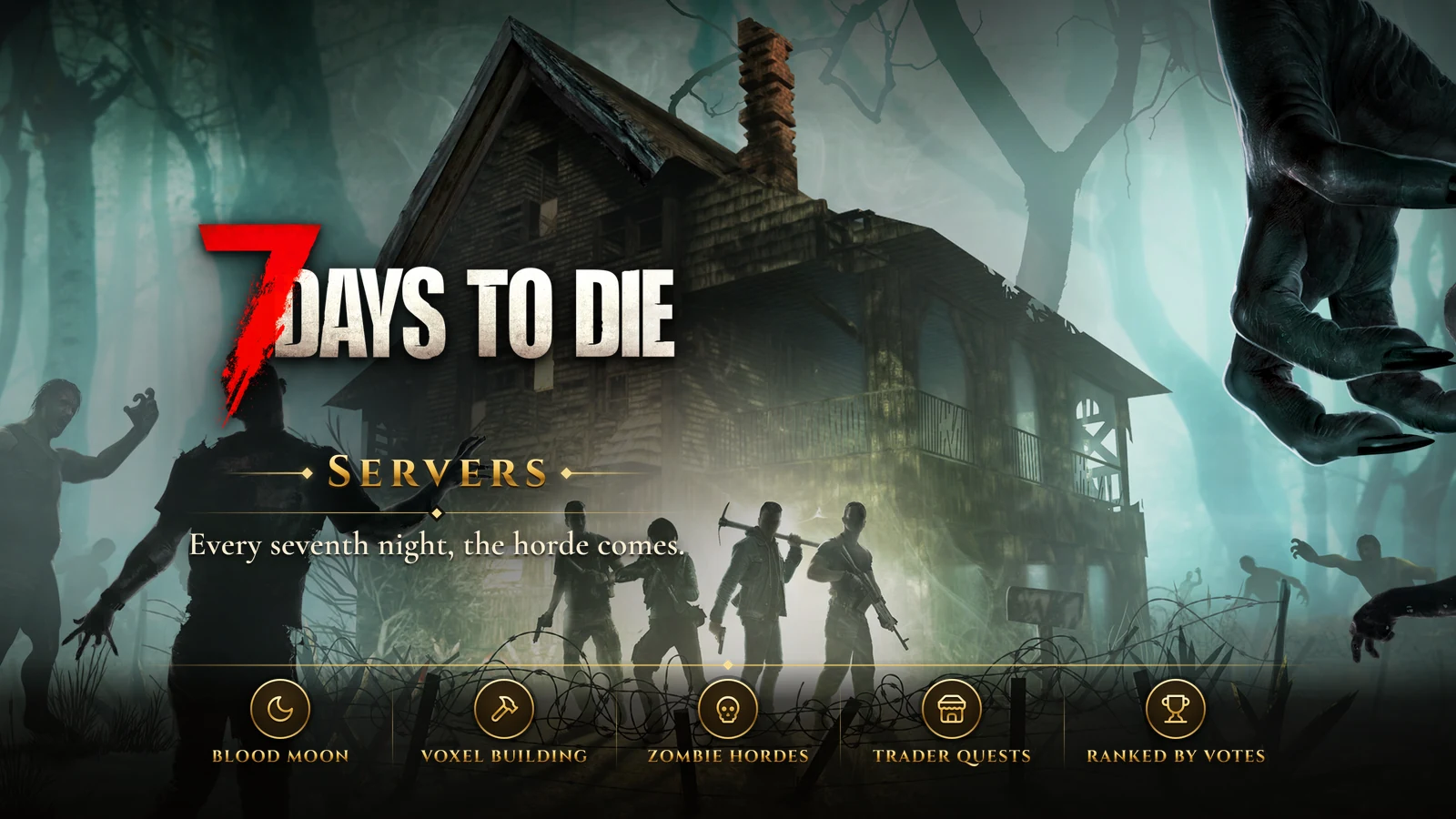
7 Days to Die is The Fun Pimps' zombie survival game that mixes first-person combat, crafting, tower defense and a world where almost every block can be built or broken. It spent more than ten years in early access from 2013 before version 1.0 arrived in 2024 and brought it to current consoles. Development has kept going since, with version 2.0 in 2025 and version 3.0 in 2026, which added a large layer of sandbox options for reshaping the survival rules.
The name explains the structure. Every seventh night is a Blood Moon, when a horde comes for you wherever you are hiding, and everything you do during the week is preparation for it. Community servers change that rhythm, the difficulty and the content, so the server you pick shapes the whole game.
Build by Day, Hold Out on the Seventh Night
Days are for looting buildings, running quests for the traders and gathering materials. You level up, spend points on perks, and find magazines that unlock better crafting. Nights are more dangerous, since the infected move faster in the dark, and most players spend them indoors working on their base.
Base building is where the game gets its depth. Zombies attack the weakest point of whatever you build, digging through walls and floors, so a good horde base is a puzzle of blocks, traps, choke points and repairs. Surviving a late-game Blood Moon with friends, ammunition running low and a wall about to give way, is what keeps people coming back.
What to Look For in a 7 Days to Die Server
Vanilla or Overhaul Mods
Vanilla servers play the game as The Fun Pimps intended, often with small changes to loot or day length. Overhaul mods rebuild progression completely, with classes, new weapons, new enemies and new crafting trees, and they can feel like a different game. They are a PC affair, often need a large download, and can lag behind official updates, so check which game version a modded server runs.
Who Can Hurt Whom
Server owners choose who can hurt whom: nobody, only allies, only strangers or everyone. PvE servers keep the zombies as the only enemy and let players cooperate freely. PvP servers add raiding and ambushes, which makes base defense matter against players as much as against the horde. Read the raiding rules carefully if you plan to build.
Blood Moon and Zombie Settings
The horde frequency, horde size, zombie speeds by day and night, loot abundance and day length all sit in the server settings. A Blood Moon every three days with sprinting zombies is a very different game from one every week with walkers. Good servers list these settings up front.
Land Claims and Base Rules
A land claim block protects the area around your base from other players. Check how large and how durable claims are, whether you can build near traders and inside towns, and whether the server bans exploit designs that trick the zombie pathing. Those rules decide where and how you can build.
Wipes, Admins and Blood Moon Performance
Major game versions often mean a fresh map, so ask what the server does when a new version arrives. Blood Moons are the hardest test for server hardware, with every player's horde spawning at once, so look for a server that stays smooth on the seventh night. Then check the admins: active staff on Discord, clear rules and fair handling of griefers.
Getting Started
Decide between vanilla and an overhaul, then between PvE and PvP, then look at the horde settings. Join near a fresh wipe if you can, team up early, and put your first land claim somewhere defensible before the first Blood Moon. The ranking below lists the 7 Days to Die servers players vote for here. Vote for the server you hold out on - rankings reset every month, so the list follows where players are facing their Blood Moons now.
Top 7 Days to Die Servers (2026)
No 7 Days to Die servers are listed yet. Servers added to the site appear here, ranked by this month's player votes.
Frequently Asked Questions
What is the best 7 Days to Die server in 2026?
No 7 Days to Die server is listed here yet. The first ones to be added appear in the ranking on this page, ordered by this month's votes.
How many 7 Days to Die servers are there?
None are listed here yet. A 7 Days to Die server added to the site appears in this ranking as soon as it is active.
How often are these rankings updated?
The ranking is read live from this month's vote counts, so it changes as players vote. Its order last changed on October 13, 2026.
How We Rank 7 Days to Die Servers
Servers are listed by the number of counted votes they received this month, most first. Each player can vote for a server once every 24 hours, and every vote is checked for VPNs, proxies and bots before it counts. Vote counts start again from zero on the 1st of every month, and a server that goes 14 days without a counted vote is hidden from the lists until it gets one. Player reviews and ratings are shown on each server's page but do not change its position. How rankings work has the full rules.
- Ordered by this month's counted votes
- One vote per server every 24 hours
- VPN, proxy and bot checks on every vote
- A fresh start on the 1st of every month