
Best Minecraft Bedrock Servers 2026 - Crossplay, Realms & Add-ons Guide
Find the best Minecraft Bedrock servers in 2026. Console and mobile crossplay, featured servers, Realms vs servers and add-ons, ranked by real player votes.
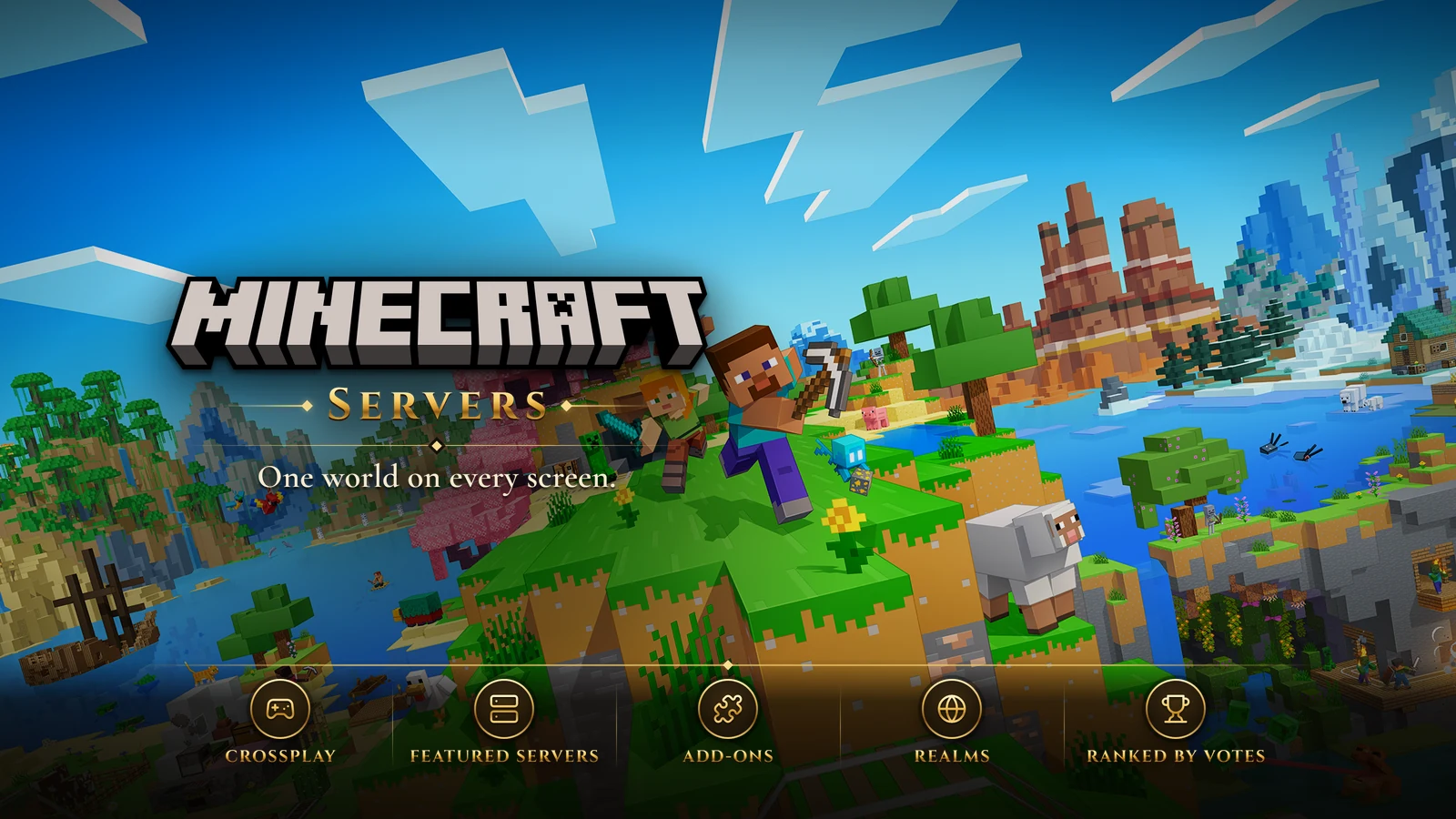
Minecraft Bedrock Edition is the version of Minecraft that runs on phones, tablets, consoles and Windows. It grew out of Pocket Edition, and the Better Together Update in September 2017 merged the mobile, Windows 10 and Xbox One versions into one game with crossplay between them. Switch and PlayStation 4 followed, with PlayStation crossplay arriving in December 2019, native PlayStation 5 and Xbox Series X|S versions came in October 2024 and June 2025, and a Switch 2 version was announced for October 27, 2026. Java Edition, the original PC version, is a separate game with its own servers.
On Bedrock, a friend on a phone, another on a PlayStation and a third on a PC can all share the same world. That reach is what makes Bedrock servers different, and it is also why some of the usual server advice does not apply here.
One Game on Every Screen
Bedrock is updated alongside Java Edition and plays almost the same, with generally small differences in mechanics. What stands out is the platform around it. Add-ons, built from behavior packs and resource packs, let creators change mobs, items and rules without traditional mods, and the Marketplace sells maps, skins and add-ons for Minecoins. Since June 2025, Bedrock also offers Vibrant Visuals, an optional graphics overhaul that does not need ray-tracing hardware.
Realms, Featured Servers and Everything Else
Bedrock players have three main ways to play together beyond joining a friend's game:
- Realms are subscription worlds run by Mojang for a group you invite, with up to ten players online at once. They support add-ons and custom maps, and suit friends who want an always-on world without running anything themselves.
- Featured servers are large partner networks listed inside the game on every platform, usually built around minigames, survival modes and events.
- Other servers are run by communities on Mojang's dedicated server software or on custom platforms. Some are Java servers that also accept Bedrock players through translation software such as Geyser, which lets both editions share one server.
One catch: on consoles, the built-in server list has long been limited to the featured partners, while phones, tablets and Windows PCs can add any server by its address. Check how a server expects console players to connect before you plan around it.
What to Look For in a Minecraft Bedrock Server
Platform and Version Support
Bedrock updates often, and a server that falls behind the current version locks out anyone whose device has updated. Look for a server that keeps up with releases and clearly says which platforms can join it.
Gamemodes
Servers range from survival and SMP worlds to skyblock, factions, prison and minigame hubs with bed wars, sky wars and parkour. Pick the mode first; a great minigame network is a poor choice if you want a long-term survival town.
Touch and Controller Friendliness
Many Bedrock players use a touchscreen or a controller. Good servers design menus and shops for that, using in-game forms rather than long chat commands, so phone and console players are not at a disadvantage.
Store and Fairness
Most servers sell ranks, cosmetics or in-game currency. Cosmetics and convenience are fair; ranks that sell better gear or faster progression on competitive modes are not. Read the store before you or your child spends money.
Moderation and Safety
Bedrock has many young players, so moderation matters. Look for chat filtering, active staff, anti-cheat and clear rules, and a Discord or website where reports get answered.
Getting Started
Sign in with a Microsoft account, which Bedrock uses for crossplay on every platform. Then decide between a Realm for your own group and a server for a bigger community, and try a few servers in the mode you like. The ranking below lists the Minecraft Bedrock servers players vote for here. Vote for the server you play on - rankings start again every month, so the list follows where Bedrock players are now.
Top Minecraft Bedrock Servers (2026)
No Minecraft Bedrock servers are listed yet. Servers added to the site appear here, ranked by this month's player votes.
Frequently Asked Questions
What is the best Minecraft Bedrock server in 2026?
No Minecraft Bedrock server is listed here yet. The first ones to be added appear in the ranking on this page, ordered by this month's votes.
How many Minecraft Bedrock servers are there?
None are listed here yet. A Minecraft Bedrock server added to the site appears in this ranking as soon as it is active.
How often are these rankings updated?
The ranking is read live from this month's vote counts, so it changes as players vote. Its order last changed on October 13, 2026.
How We Rank Minecraft Bedrock Servers
Servers are listed by the number of counted votes they received this month, most first. Each player can vote for a server once every 24 hours, and every vote is checked for VPNs, proxies and bots before it counts. Vote counts start again from zero on the 1st of every month, and a server that goes 14 days without a counted vote is hidden from the lists until it gets one. Player reviews and ratings are shown on each server's page but do not change its position. How rankings work has the full rules.
- Ordered by this month's counted votes
- One vote per server every 24 hours
- VPN, proxy and bot checks on every vote
- A fresh start on the 1st of every month