
Best Soldier Front Private Servers 2026 - Modes & Version Guide
Find the best Soldier Front private servers in 2026. Client versions, Horror and CTC modes, gear rentals, ping and anti-cheat, ranked by real player votes.
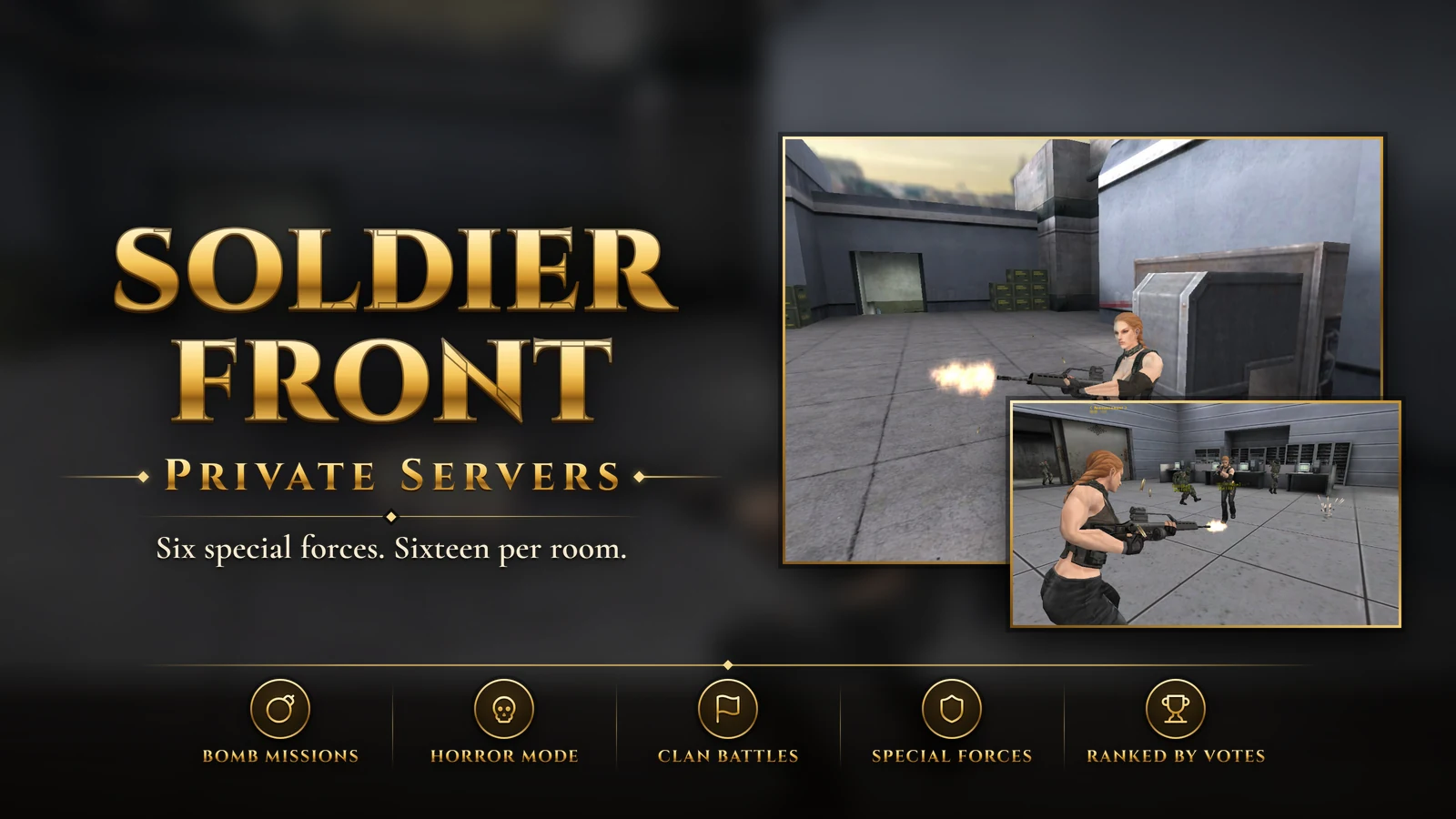
Soldier Front is the North American name of Special Force, the online first-person shooter from Seoul studio Dragonfly. It launched in Korea in July 2004 and reached North America in February 2007, alongside versions across Asia, Europe and South America. Its sequel, Special Force II, came west as Soldier Front 2, and the last Western versions of that closed in 2018. In March 2026 a remaster produced by Dragonfly's founder was released on Steam and the Epic Games Store.
For many players, though, Soldier Front means the original game as it was in the late 2000s - its maps, its weapons and its clan scene - and that is usually what players looking at private servers want back. This guide covers what defined the game and how to judge a server.
Special Forces, Sixteen Players a Room
You fight as one of several real-world special forces units, including GIGN, GSG 9, PASKAL, the Republic of Korea Marine Corps, Delta Force and Spetsnaz, in rooms of up to 16 players. Team Battle covers objective rounds such as planting bombs, escaping and retrieving items, while Single Battle and Team Deathmatch keep things simple. The North American version grew to a long list of modes, including Clan Battle, capture modes, sniper-only rooms, Rage Mode, Pirate Mode and two Horror Modes.
Progress is simple and visible: you earn experience every match and climb through ranks. Weapons wear down and need repairs, they cannot be modified, and speed and armor gear can be rented. That keeps gunplay at the center, since a given weapon behaves the same in everyone's hands.
What to Look For in a Soldier Front Private Server
Client Version
Special Force received a large graphics and interface update for its fifth anniversary in 2009, and regional versions added their own modes and weapons over the years. Check which client a server is based on and which modes and maps it includes, because the look and feel differ a lot between versions.
Modes With Full Rooms
A server can list every mode and still only fill a couple. If Clan Battle, Horror Mode or sniper rooms are what you want, ask the community which rooms are busy at your hours before you settle in.
Ping and Hit Registration
In a fast shooter, latency decides firefights. Check where the server is hosted and where most players connect from, then play a few rounds to see whether your hits register cleanly.
Weapons, Rentals and the Shop
Officially, gear could be rented and weapons had durability. On a private server, look at what the shop sells, whether premium weapons and gear can be earned in play, and whether anything for sale gives a real edge in a firefight.
Anti-Cheat and Moderation
Online shooters attract cheaters, and a small community notices every one. Look for active staff, working anti-cheat and visible bans, especially if you plan to play clan matches.
Original Feel or Modern Comfort
Players weighing a Soldier Front server often choose between the original look, with its older maps and interface, and a later client with more modes and the updated graphics. Neither is wrong. Decide which version of the game you actually miss, then look for a server that runs it well and has people in its rooms.
Getting Started
Pick a server on the client you remember, test your ping in a few Team Deathmatch rounds, and join a clan if Clan Battle is what you came for. If a server earns your time, vote for it. The ranking below lists the Soldier Front servers players vote for here, and it starts again every month.
Top Soldier Front Private Servers (2026)
No Soldier Front private servers are listed yet. Servers added to the site appear here, ranked by this month's player votes.
Frequently Asked Questions
What is the best Soldier Front private server in 2026?
No Soldier Front private server is listed here yet. The first ones to be added appear in the ranking on this page, ordered by this month's votes.
How many Soldier Front private servers are there?
None are listed here yet. A Soldier Front private server added to the site appears in this ranking as soon as it is active.
How often are these rankings updated?
The ranking is read live from this month's vote counts, so it changes as players vote. Its order last changed on October 13, 2026.
How We Rank Soldier Front Servers
Servers are listed by the number of counted votes they received this month, most first. Each player can vote for a server once every 24 hours, and every vote is checked for VPNs, proxies and bots before it counts. Vote counts start again from zero on the 1st of every month, and a server that goes 14 days without a counted vote is hidden from the lists until it gets one. Player reviews and ratings are shown on each server's page but do not change its position. How rankings work has the full rules.
- Ordered by this month's counted votes
- One vote per server every 24 hours
- VPN, proxy and bot checks on every vote
- A fresh start on the 1st of every month